Flexible time views
Move between day, week, and month planning without losing the wider pattern.
 Tutor Planner
View on App Store
Tutor Planner
View on App Store
Tutoring schedule app
Tutor Planner gives independent tutors a continuous schedule for daily teaching, a wider weekly and monthly view, and direct paths from a scheduled class to the student record behind it.
View on App Store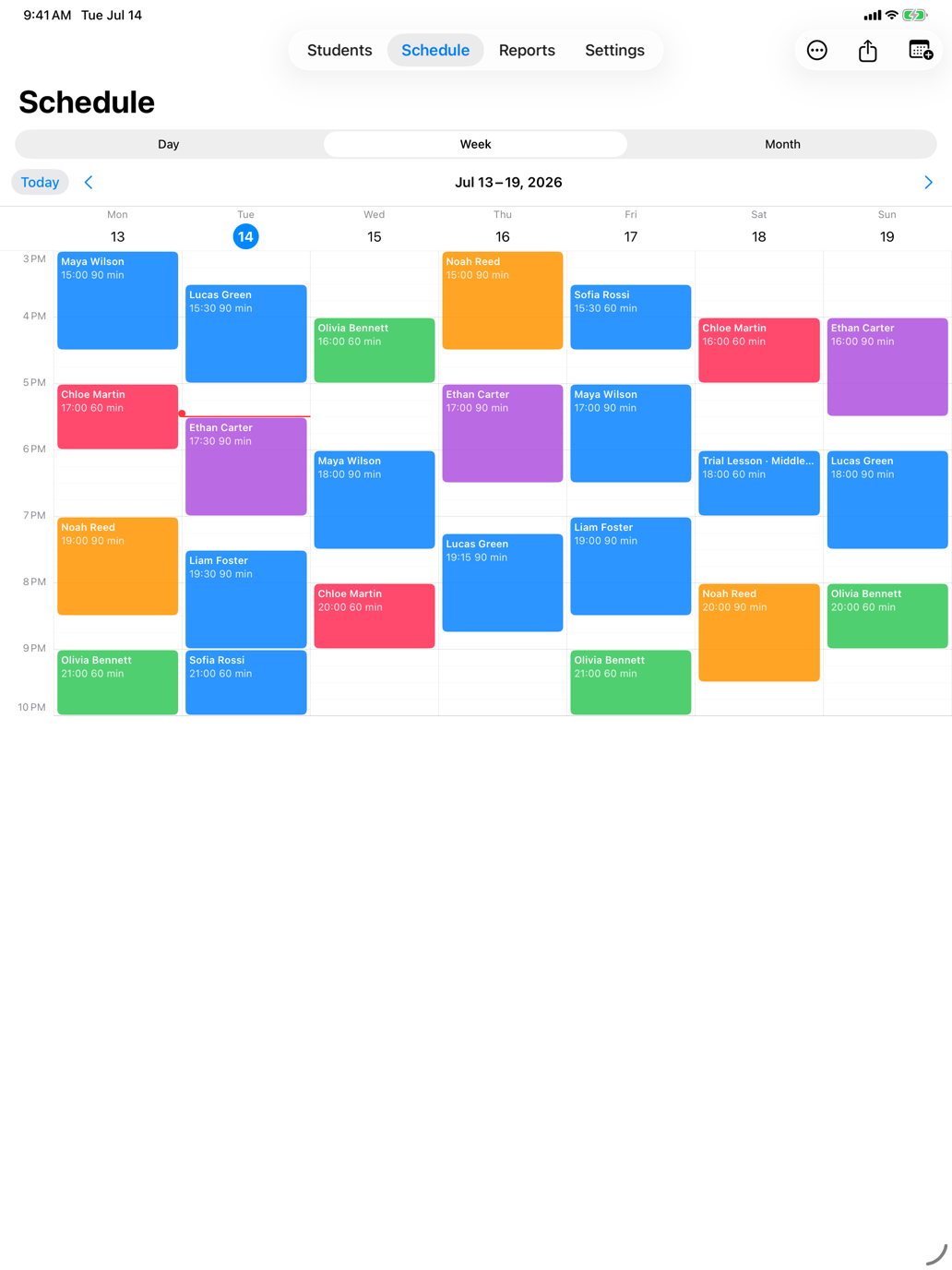
A direct answer
A tutoring schedule works best when it includes more than a start time. Tutor Planner links the scheduled class to the student, package or postpaid rule, lesson record, and follow-up work so scheduling does not create another admin task later.
A connected tutoring workflow
Use a day, week, or month view to decide what needs attention. Create and adjust lessons in the timeline, open class details when it is time to teach, and keep completed work connected to the same student history.
Move between day, week, and month planning without losing the wider pattern.
Create lessons directly where they belong in the schedule.
Open a scheduled class for details or quick completion when the teaching is done.
Pro can export the current schedule view for sharing or keeping a record.
Questions tutors ask
Yes. Tutor Planner includes day, week, and month schedule views.
Yes. Use recurring lessons for regular teaching patterns and manage individual dates around them.
Pro can export the current schedule view as an image or PDF.
The Apple Watch companion can show today's lessons and mark scheduled lessons complete.